Views: 0 Author: Site Editor Publish Time: 2026-03-24 Origin: Site


Sudden power outages can disrupt work, interrupt gaming sessions, and potentially cause hardware damage or data loss. For home users and small offices, the standby UPS (uninterruptible power supply) offers a practical and cost-effective solution. Understanding its basic working principles and suitable applications is key to making an informed choice.
How It Works: Intelligent Switching for Continuous Power
A standby UPS functions as an intelligent switching device between the wall outlet and connected equipment. Its operation involves two distinct modes:
When Utility Power Is Normal: Electricity flows directly from the grid to the connected devices, while a portion is used to charge the internal battery. In this “pass-through” or “line” mode, the UPS acts as a simple power distribution point.
When Utility Power Fails or Fluctuates: The UPS detects the interruption within milliseconds and swiftly switches to “inverter mode.” The battery’s DC power is converted to stable AC power, keeping connected devices running. The transition is fast enough that most equipment continues operating without interruption, giving users time to save work and perform a safe shutdown.
Ideal Applications: Personal and Small Office Use
With advantages such as simple construction, affordability, and high efficiency, standby UPS units are well-suited for:
Home offices and small workstations
Networking equipment such as routers and modems (maintaining internet connectivity during outages)
Home NAS devices (protecting against hard drive damage and data loss)
Point-of-sale systems, printers, and security systems in small office settings
Key Considerations When Purchasing
For those considering a standby UPS, the following factors are important:
Power Capacity: Calculate the total wattage of all devices to be connected. Select a UPS with a VA rating that provides sufficient headroom, ideally keeping the load between 60% and 80% of the unit’s capacity.
Surge Protection and Voltage Regulation: Choose models that include built-in surge protection and voltage regulation to safeguard equipment from power spikes and fluctuations during normal operation.
Communication Interface: For setups involving NAS or servers, a UPS with a USB communication port enables automatic safe shutdown during power outages, helping prevent data loss.
Professional Manufacturing, Quality Assured
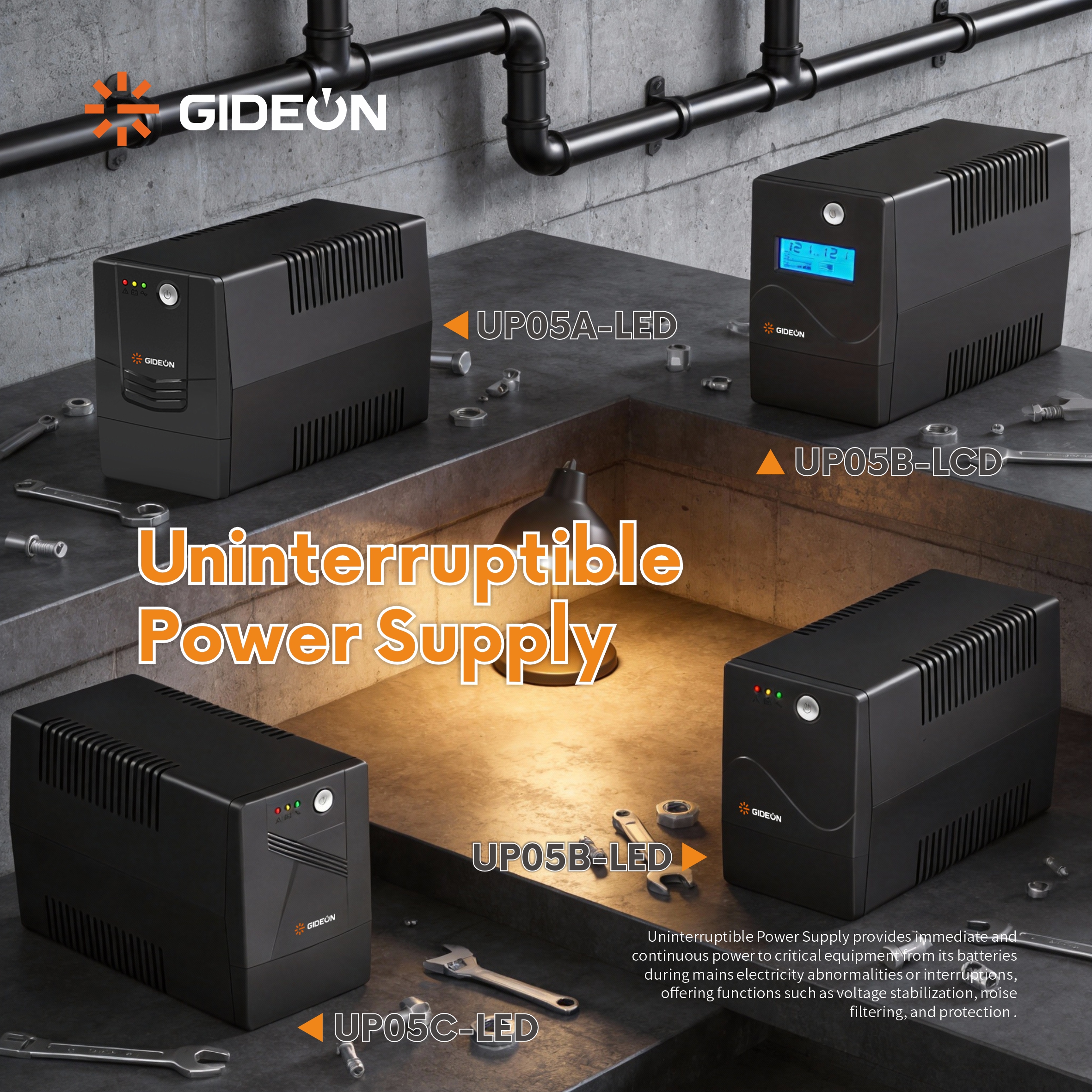
As a professional manufacturer specializing in the UPS power supply sector, GIDEON brings 20 years of research, development, and production experience to the industry. The facility integrates product design, core component manufacturing, complete system assembly, and rigorous quality testing, strictly adhering to international quality management system standards to ensure that every product delivers stable performance and reliable quality.
The factory’s product portfolio covers standby UPS, line-interactive UPS, and online UPS models, with power ratings ranging from 500VA to 10kVA. These products are widely used in home offices, small to medium-sized businesses, network equipment rooms, and security monitoring applications. With mature production processes and a comprehensive after-sales service system, the company’s products are exported to numerous countries and regions, earning broad recognition from customers worldwide.
In terms of technological development, the factory continuously invests in research and optimization, striving to provide more efficient, safer, and smarter power protection solutions. Whether for standard models or custom requirements, the factory offers professional technical support and production services.
Summary
Standby UPS units provide an efficient, reliable, and budget-friendly solution for protecting personal and small office equipment from unexpected power interruptions. By selecting a model that matches power requirements and includes appropriate protective features, users can significantly enhance data security and equipment stability. For more product information or professional purchasing advice, please feel free to contact GIDEON!